Best Smart Thermostat for Baseboard Heaters (240 V)
Quick verdict
- Best overall: Mysa Smart Thermostat (V2). Polished app, works with Apple Home and Home Assistant, no monthly fee. Its weak point: it’s still a Wi-Fi product tied to the manufacturer’s cloud.
- Best 100% local: Sinopé TH1123ZB / TH1124ZB. Zigbee, designed in Quebec, runs offline with Home Assistant or Hubitat. You do need a Zigbee coordinator.
- Small budget: Meross MTS200 (line-voltage version). It gets the job done, but its ecosystem is less mature.
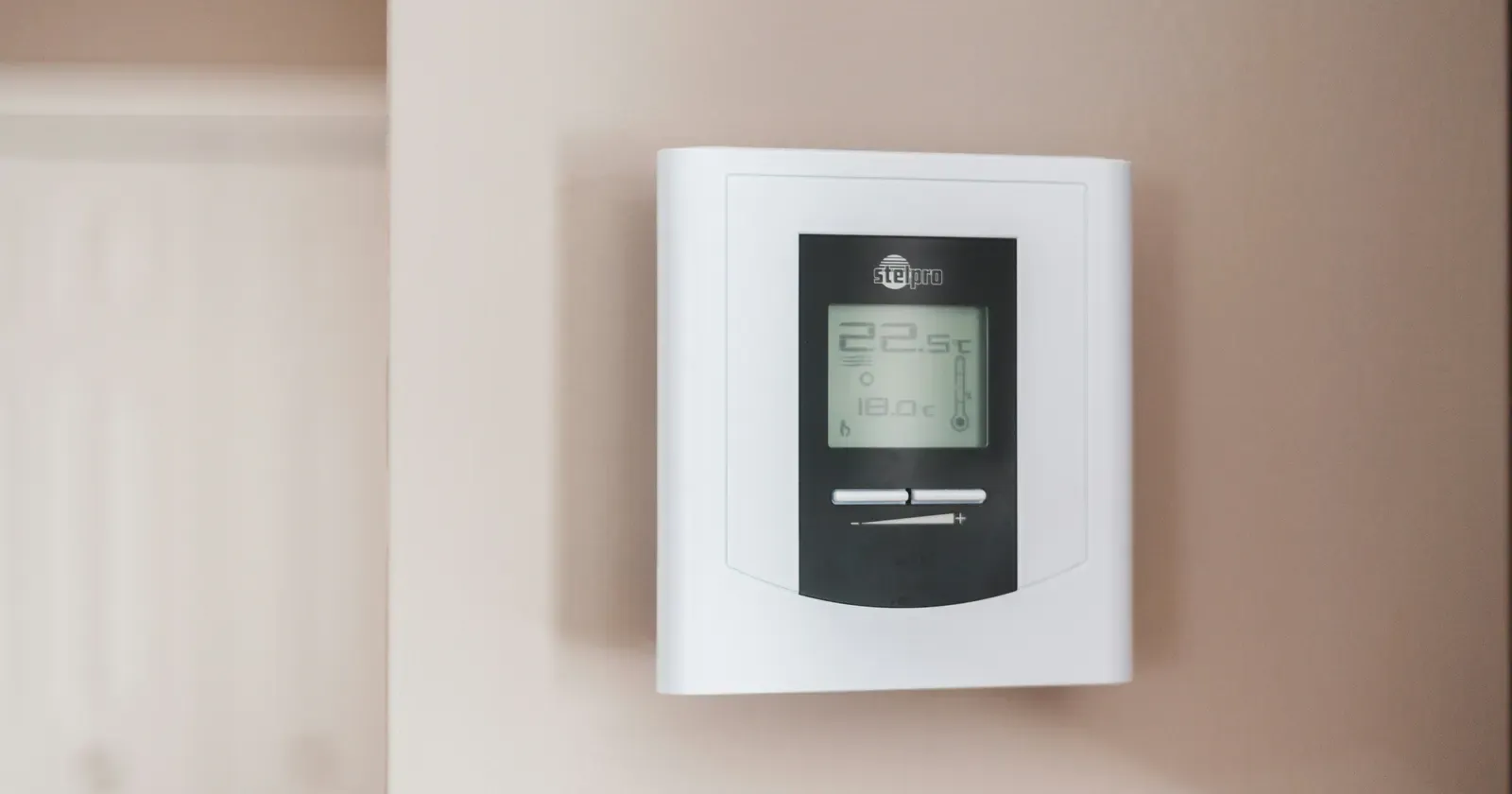
- Solid alternative: Stelpro Maestro / Allia. Another Quebec manufacturer, also on Zigbee.
A baseboard thermostat that demands a subscription isn’t on this list. All four work without a plan.
Line voltage or low voltage: pitfall number one
Your electric baseboards run on 240 V (sometimes 120 V). The best-known Ecobee, Nest and Honeywell thermostats are built for low voltage (24 V), the kind used by furnaces and heat pumps. Wired to a baseboard, they don’t work and can be destroyed.
Workarounds exist, such as a 24 V to 240 V relay or contactor. They add hardware, complexity and one more thing that can fail. For baseboards, buy a thermostat designed for line voltage. All four models in this article are.
Two checks before you buy: the neutral wire and the number of wires. Baseboard thermostats generally don’t need a neutral, but confirm it on each model’s spec sheet. Expect four wires on a 240 V circuit (two for the supply, two to the baseboard). If you’re not sure what you’re looking at behind your current thermostat, have an electrician check. Always turn off the breaker before touching anything.
The 4 thermostats compared
| Thermostat | Protocol | Works offline | Hub required | Max. load | Approximate budget |
|---|---|---|---|---|---|
| Mysa Smart Thermostat (V2) | Wi-Fi | Partly (HomeKit) | No | Depends on the version you pick | Around $80 – $110 |
| Sinopé TH1123ZB / TH1124ZB | Zigbee | Yes | Yes (Zigbee coordinator) | 3000 W / 4000 W | Around $60 – $90 |
| Meross MTS200 (line voltage) | Wi-Fi | Partly (HomeKit) | No | Check for your version | Around $40 – $70 |
| Stelpro Maestro / Allia | Zigbee | Yes | Yes (Zigbee coordinator) | Depends on the model | Around $70 – $110 |
Ranges are approximate (CAD) and may change. Use the “Check the price on Amazon.ca” button for today’s price.
1. Mysa Smart Thermostat (V2): best overall
The Mysa replaces your wall thermostat without complicated work. It integrates with Apple Home and Home Assistant, and its app is the nicest on the list. No subscription locks its core features.
Mysa Smart Thermostat (V2)
Pros
- Clear app, schedules are easy to set up
- Works with Apple Home and Home Assistant
- No monthly fee for the core features
- No hub to buy
Cons
- Wi-Fi only: if the signal is weak near the baseboard, the connection drops
- The Home Assistant integration goes through the manufacturer's cloud, so it isn't 100% local
- Several versions depending on voltage and wattage: it's easy to pick the wrong one
2. Sinopé TH1123ZB / TH1124ZB: best 100% local
Designed in Quebec for baseboards. The TH1123ZB handles up to 3000 W and the TH1124ZB up to 4000 W. On Zigbee, it runs without Internet with Home Assistant (ZHA or Zigbee2MQTT) or Hubitat.
Sinopé TH1123ZB / TH1124ZB
Pros
- Zigbee 3.0: works offline with a local coordinator
- 3000 W and 4000 W versions for large rooms
- Made in Quebec, well suited to Canadian baseboards
- No mandatory cloud
Cons
- You need a Zigbee coordinator (USB stick or hub): extra cost and extra setup
- Without Home Assistant or similar, the official app goes through Sinopé's cloud
- The physical interface is less elegant than the Mysa's
3. Meross MTS200 (line voltage): small budget
The cheapest on the list. It covers the essentials: schedules, remote control, HomeKit compatibility.
Meross MTS200 (line-voltage version)
Pros
- The lowest entry price on the list
- HomeKit compatible, local control possible
- No hub required
Cons
- Several versions exist: make sure you buy the line-voltage one, not the 24 V furnace one
- Maximum load is often lower than the Sinopé's: check it before you order
- Ecosystem and documentation are less mature than those of the Quebec manufacturers
- Local control isn't always simple to set up
4. Stelpro Maestro / Allia: the solid alternative
Stelpro is a long-established Quebec manufacturer. Its Zigbee thermostats suit people who prefer an established maker to a mass-market brand.
Stelpro Maestro / Allia
Pros
- Standard Zigbee, compatible with common coordinators
- Established Quebec manufacturer, products designed for electric heating
- Works offline with Home Assistant or Hubitat
Cons
- You need a Zigbee coordinator
- Some advanced features may require the manufacturer's gateway
- Less documented in the Home Assistant community than the Sinopé
- Several models: confirm the maximum load and Zigbee compatibility before you buy
Quick buying guide: work out your baseboard load
A thermostat has a maximum load. If your load exceeds that limit, it overheats and can fail or become dangerous. You have two options: a higher-capacity thermostat, or a relay.
Step 1. Read the nameplate on each baseboard. It lists the watts and the voltage (120 V or 240 V).
Step 2. Add up the watts of every baseboard connected to the same thermostat. Example: two 1000 W baseboards and one 1500 W baseboard make 3500 W.
Step 3. Compare with the thermostat’s limit: 3000 W for a TH1123ZB, 4000 W for a TH1124ZB. In the example, the TH1123ZB won’t do, the TH1124ZB will.
Step 4. If the nameplate only lists amps, calculate: watts = volts × amps. At 240 V, 12.5 A gives 3000 W.
Leave some headroom. Running at 100% of the thermostat’s limit is a bad choice: aim for about 80% or less. Electrical work is regulated in Canada, and rules vary by province: if any doubt remains, call a licensed electrician.
To see what your baseboards actually draw and lower them automatically during peak periods on Hydro-Québec’s Flex D rate, read our guide to local energy monitors for Hydro-Québec.
Frequently asked questions (FAQ)
Will the thermostat keep heating if the Internet goes down?
Yes. A baseboard thermostat keeps its setpoint and keeps heating without Internet. What changes is remote access and automations. Zigbee models paired with a local coordinator keep their automations. Wi-Fi models lose the app and the cloud features, but keep manual control and, depending on the model, the internal schedule.
Do I need an extra hub?
Not for the Mysa or the Meross: they connect to your Wi-Fi. For the Sinopé and the Stelpro, yes: you need a Zigbee coordinator (a USB stick on a Home Assistant server, or a compatible hub). That's the price of real independence from the cloud.
Can I really save on my electricity bill without a subscription?
Yes, but the savings come from your habits more than from the device. Utilities commonly cite roughly 3% savings on heating for every degree you lower the setpoint. A thermostat that drops the temperature in bedrooms overnight or while you're away automates that habit. Savings depend on your home and how you use it. No subscription is needed to program schedules.
Are my baseboards 120 V or 240 V, and does the thermostat need to be certified?
Read the nameplate on the baseboard: many Canadian baseboards run on 240 V, but some are 120 V. The thermostat must cover the voltage and the total wattage. Choose a model with cUL or CSA certification, which confirms it meets Canadian standards, and call an electrician if the wiring worries you.