Best Security Cameras With No Subscription (Local)
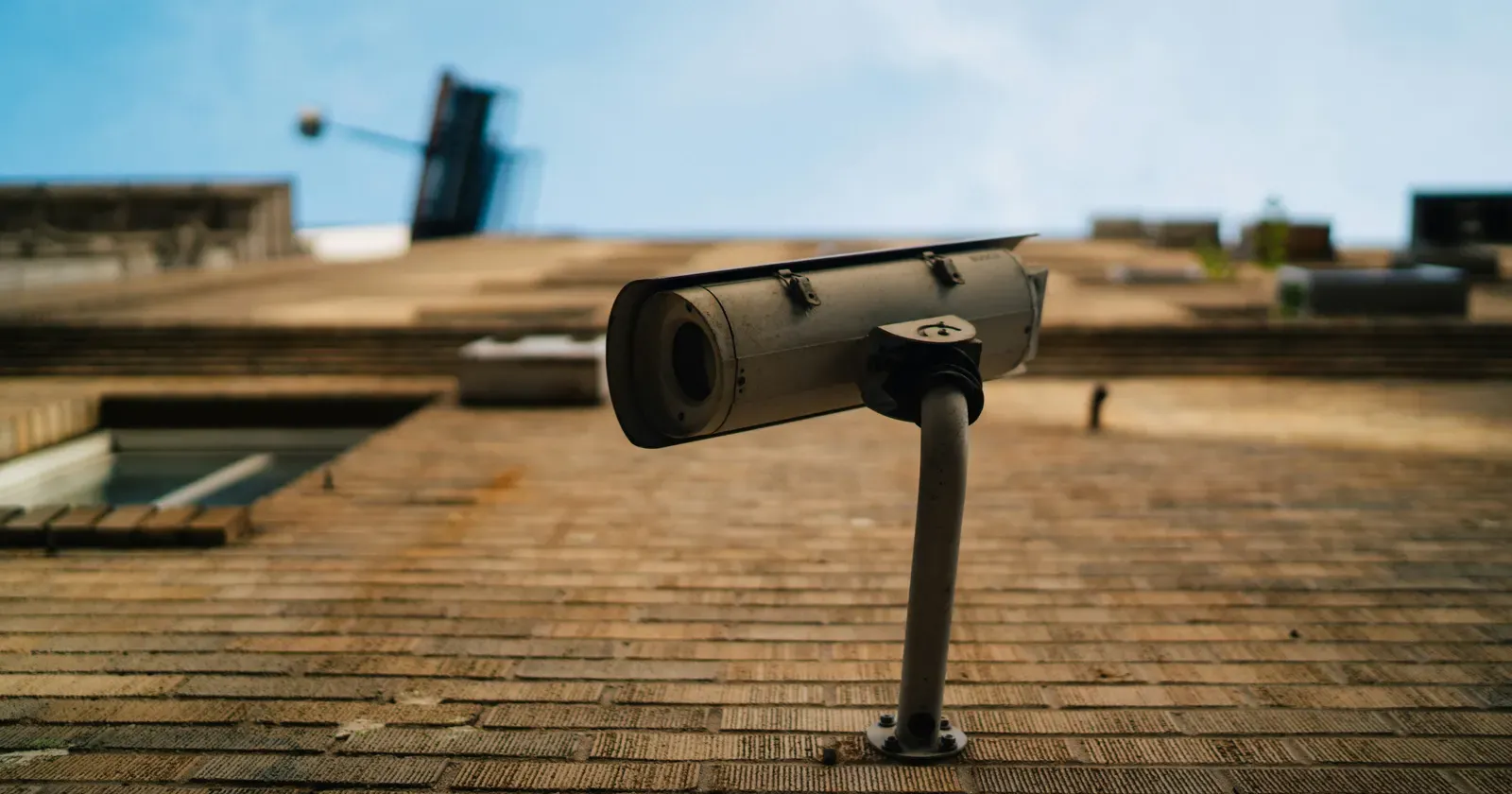
A camera that locks your recordings behind a monthly subscription isn’t really yours. The five models below record at home, on a microSD card, an NVR or a local base station, and none requires a plan to work. Leaving Ring or Nest? Follow our migration plan to a local camera.
We rank them on three criteria: where the video goes, which stream you can pull out (RTSP/ONVIF for Home Assistant, Frigate or an NVR), and what breaks if the Internet goes down.
Our picks at a glance
| Camera | Protocol | Local storage | RTSP / ONVIF | Approximate budget |
|---|---|---|---|---|
| Reolink RLC-810A | PoE | microSD or NVR | Yes | Around $80 – $120 |
| Tapo C120 | Local Wi-Fi | microSD | Yes | Around $30 – $50 |
| Tapo C320WS | Local Wi-Fi | microSD | Yes | Around $50 – $80 |
| Eufy eufyCam S330 + HomeBase 3 | Local Wi-Fi | Base station internal drive | No | Around $300 – $450 (kit) |
| Amcrest IP4M-1051 | PoE | microSD or NVR | Yes | Around $60 – $100 |
Ranges are approximate (CAD) and vary with promotions. Use the “Check the price on Amazon.ca” button for today’s price.
1. Reolink RLC-810A: best overall
PoE solves two problems at once: a single cable for power and video, and no dependence on Wi-Fi. The RTSP and ONVIF stream plugs straight into Frigate, Home Assistant or an NVR.
Reolink RLC-810A
Pros
- 4K resolution with on-camera person and vehicle detection
- RTSP and ONVIF enabled with no cloud account
- A single Ethernet cable for power and video
- Records to microSD or to a local NVR
Cons
- You need to run an Ethernet cable and have a PoE switch or injector
- No colour night vision without external lighting
- The mobile app works but isn't polished
2. Tapo C120: best on a small budget
For watching an entryway or an indoor room without drilling into a wall. Storage is on a microSD card, and the RTSP stream is enabled in the advanced settings after you create a camera account.
Tapo C120
Pros
- Records to a microSD card, no mandatory plan
- RTSP and ONVIF stream available to plug into your local system
- Set up in a few minutes
Cons
- The Tapo app needs a TP-Link account for initial setup
- 2.4 GHz Wi-Fi only, range depends on your router
- Indoor model, not waterproof
- Firmware updates can reset some settings
3. Tapo C320WS: the affordable outdoor option
Same idea as the C120, but built for outdoors, with better colour night images.
Tapo C320WS
Pros
- Weather-resistant outdoor housing
- microSD card and RTSP/ONVIF, like the C120
- Decent colour night vision for the price
Cons
- Needs mains power: plan for an outdoor outlet or a cable pass-through
- A TP-Link account is required for installation
- Outdoor Wi-Fi is often the weak link: test the signal before you mount it
4. Eufy eufyCam S330 with HomeBase 3: the simplest battery option
The wireless cameras record to the HomeBase drive, with AI detection done locally. It’s the easiest to install, but the least open on the list.
Eufy eufyCam S330 + HomeBase 3
Pros
- Recording and AI analysis on the base station, no subscription
- Battery cameras: no cables to run
- No plan required for local history
Cons
- No native RTSP on most models: integration with Home Assistant or Frigate is limited
- An Eufy account and app are mandatory, which remains a point of dependence
- Eufy was previously criticized after admitting to storing thumbnails in the cloud: turn off the cloud options
- The kit costs a lot more than PoE cameras
5. Amcrest IP4M-1051: the budget PoE alternative
A safe bet if you want a home-built NVR. The web interface is dated, but the camera does its job over RTSP and ONVIF.
Amcrest IP4M-1051
Pros
- Open RTSP and ONVIF, compatible with all common NVRs
- PoE power, microSD or NVR recording
- Works entirely without the cloud
Cons
- Aging web interface and mobile app
- Basic motion detection, better with external software like Frigate
- Hardware revisions vary between batches: check the model references before you buy
Which camera should you choose?
- You can run a cable: Reolink RLC-810A. It’s the most reliable solution.
- Tight budget, indoor room: Tapo C120.
- Outdoors, no network cable: Tapo C320WS or Eufy.
- Home NVR with Frigate: a PoE camera, so Reolink or Amcrest. To view those streams remotely without opening a port, see secure VPN access.
Want to see your cameras on the TV? Check our 3 smart home uses for a Fire TV Stick. And to secure your front door locally on the same hub, see our comparison of the best smart locks for Canadian winters.
Frequently asked questions (FAQ)
Does a "no subscription" camera really work without Internet?
Local recording does. Push notifications and remote access through the manufacturer's app, however, often go through the cloud. For fully private remote access, use a VPN (WireGuard, Tailscale) into your home network.
Which microSD card should I buy?
Get a "High Endurance" card, built for continuous writing. A standard card wears out quickly with 24/7 recording.
What is RTSP, and why does it matter?
It's a standard video stream that any software can read. Without it, you're locked into the manufacturer's app.
PoE or Wi-Fi: which is more reliable?
PoE. A cable doesn't suffer from interference or signal drops, and it powers the camera too.
Are the listed prices guaranteed?
No. The ranges in this article are approximate. Check the current price on Amazon before you buy.
Will an outdoor camera survive Canadian winters at -30 °C?
It depends on the model: most outdoor cameras list an operating range of about -20 °C to -30 °C, so check the spec sheet. Battery models lose a lot of runtime in deep cold, because lithium cells drain faster below zero. For a Quebec or Prairie winter, a PoE camera powered by a cable is the most reliable choice.